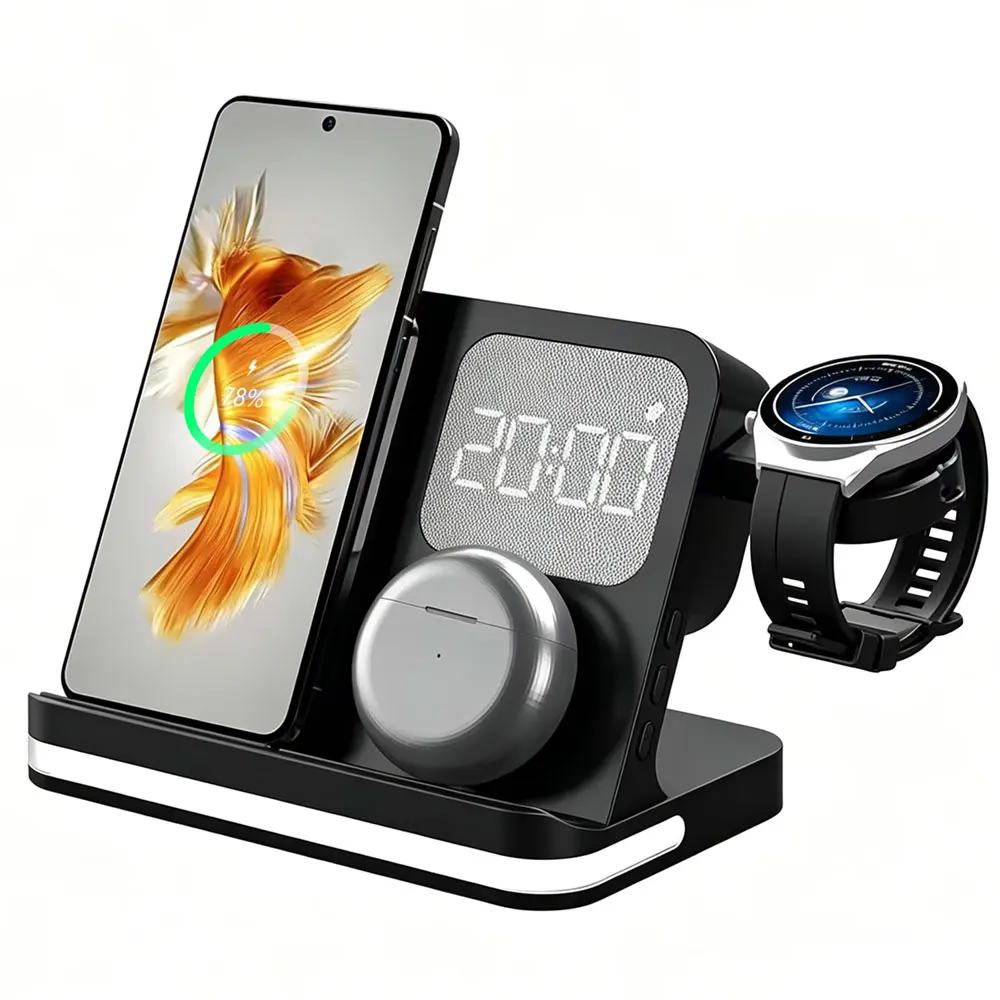
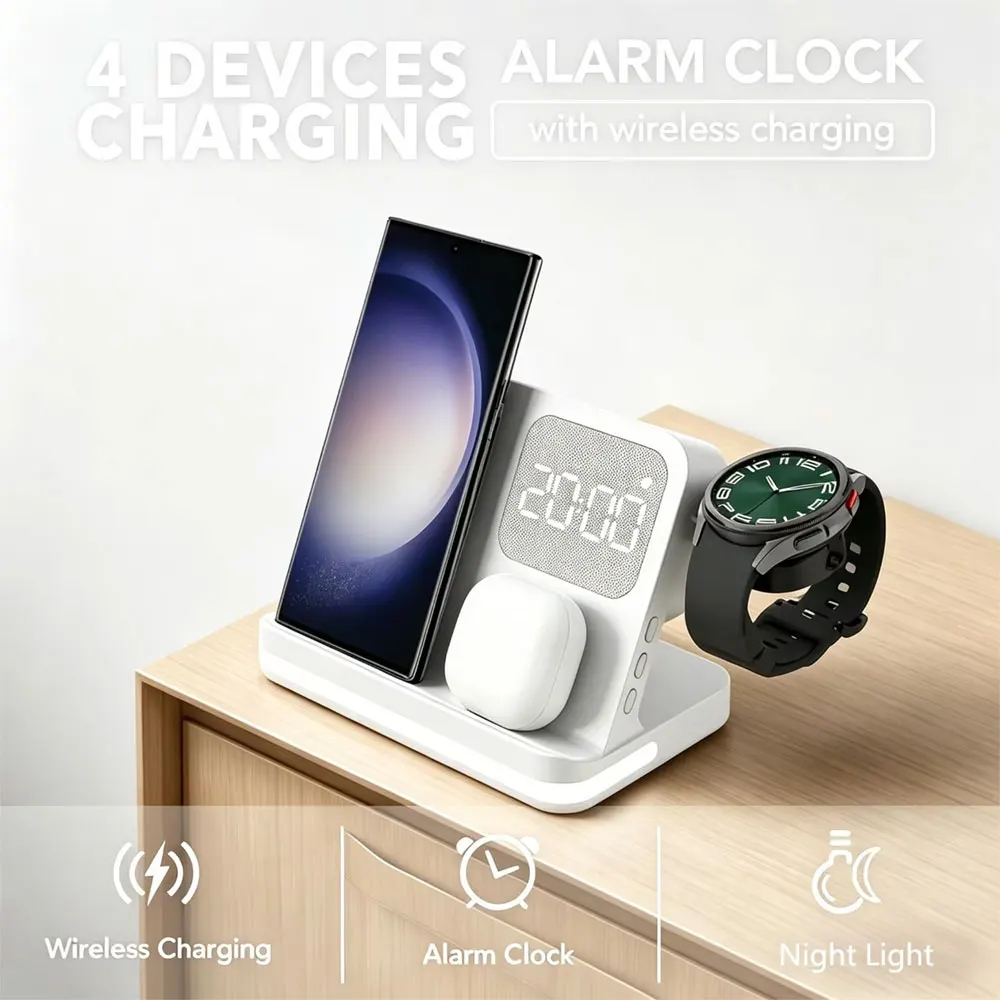
4-in-1 Wireless Charging Station with Alarm Clock Samsung
White3in1
641.99 dh
Sale price
641.99 dh
Regular price
801.99 dh
Skip to product information


4-in-1 Wireless Charging Station with Alarm Clock Samsung
641.99 dh
Sale price
641.99 dh
Regular price
801.99 dh
SPECIFICATIONS
Brand Name: VIKEFON
Certification: RoHs,CE
Choice: yes
Compatible Brand: SAMSUNG
Compatible Devices: Phones,Smart Watches,Earphones
Connector Type: Type C
Features: Multifunctional,Foldable,With Cable,With Alarm Clock
High-concerned chemical: None
Isitwithchargingcable: Yes
Max. Output Power: 15W
Origin: Mainland China
Type: Charging Stands
semi_Choice: yes
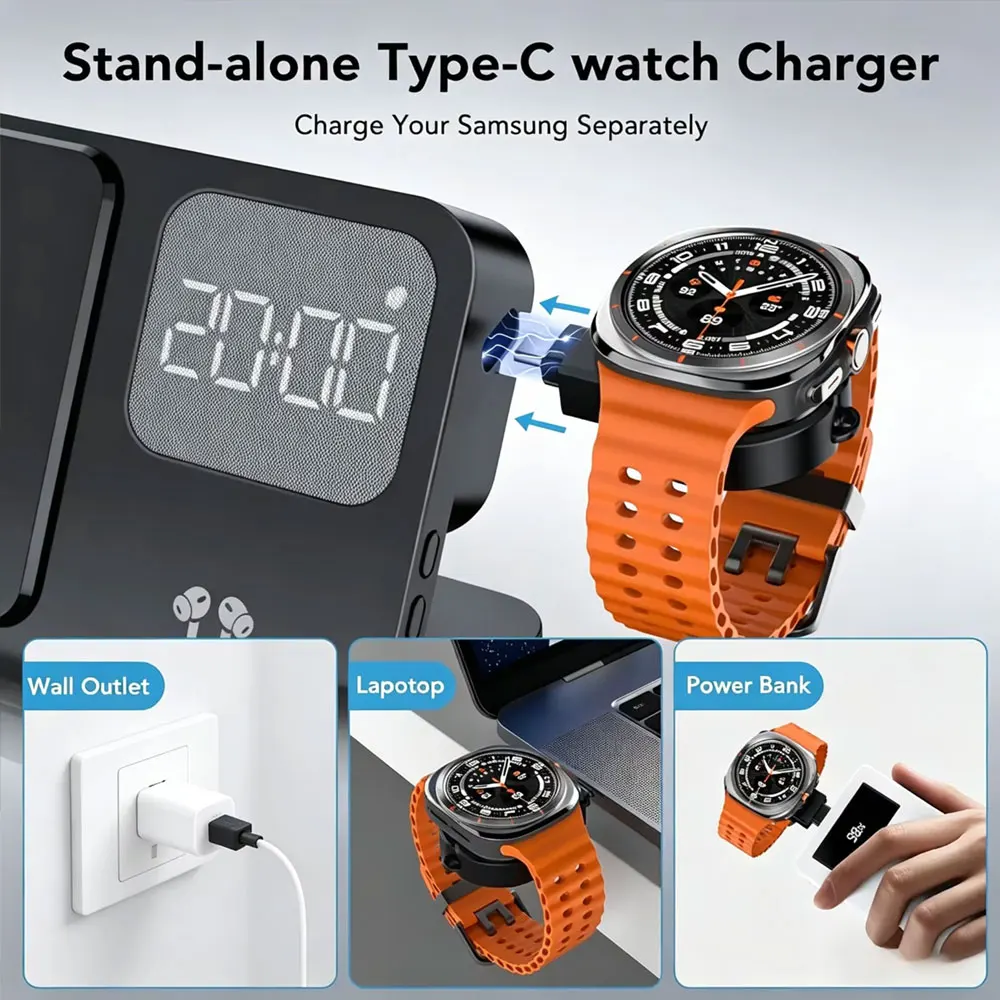
NOTE: The watch charging only support for Samsung Watch, Can not charging for Apple watch.
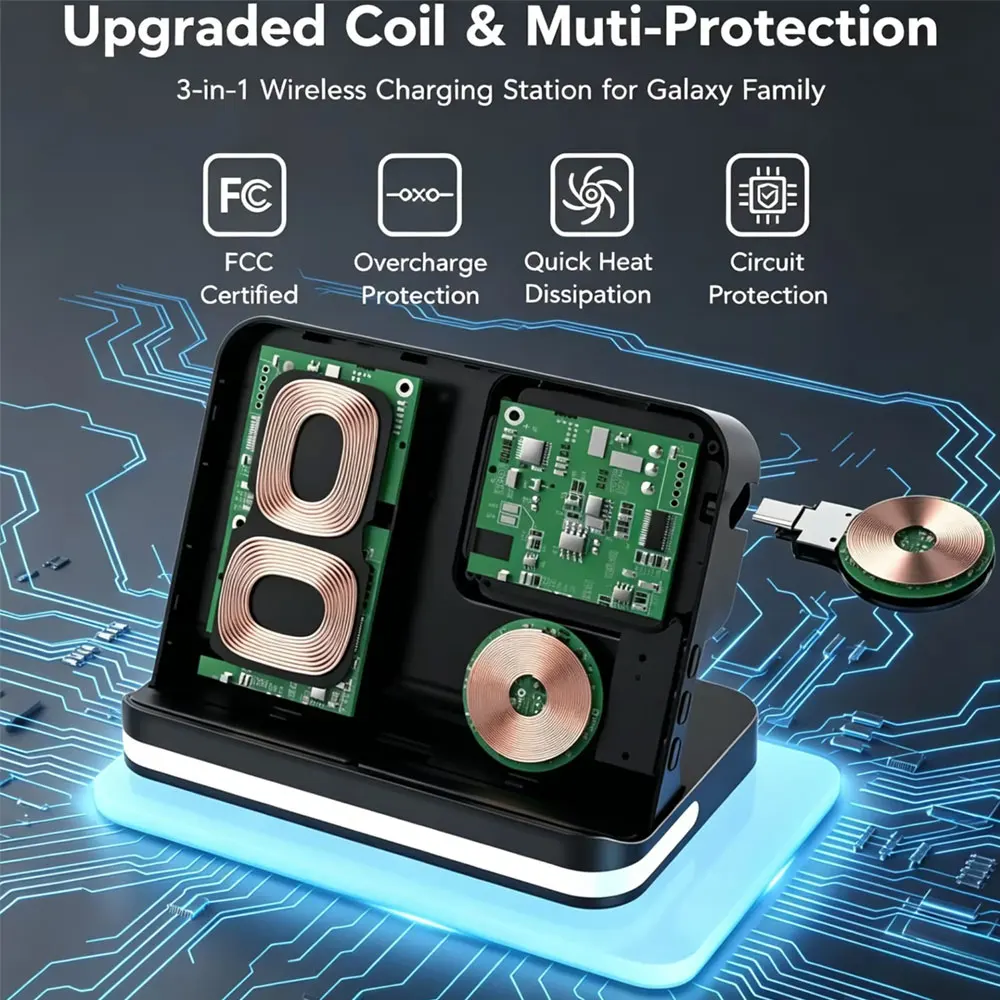
About this item 【Multi-Device Wireless Charging Station】3 IN1 Wireless Charger is specially designed to charge Samsung devices. For Samsung Version:Suitable for mobile phones Samsung Galaxy Z Fold 5/4/3/, Z Flip 5/4/3; W23/W22/W21; Galaxy S23 S22 S21 S20/Ultra/Plus/FE; S10/S10e/S10+/S9/S9+; Note20/ 10/9/8; Galaxy Watch 6/6Classic/5 Pro/5/4/4 Classic/3/Active2/1.; Galaxy Buds/Pro/Buds+/ Buds2/Live.(NOTE: NOT FOR APPLE WATCH or other brand watch)
Specifications:
* Material: ABS
* For Mobile phone output: 5W/7.5W/10W/15W
* For Watch Output: 5W(max)
* For Earbuds Output: 5W(max)
* Transmission distance: ≤6MM
* Charging efficiency: ≥73%
* Color: black/white
Package includes:1*3 in 1 wireless charger 1*Type-C Cable
NOTED: For fast charging experience, please use QC 3.0 power adapter
How to use the clock
* Material: ABS
* For Mobile phone output: 5W/7.5W/10W/15W
* For Watch Output: 5W(max)
* For Earbuds Output: 5W(max)
* Transmission distance: ≤6MM
* Charging efficiency: ≥73%
* Color: black/white
Package includes:1*3 in 1 wireless charger 1*Type-C Cable
NOTED: For fast charging experience, please use QC 3.0 power adapter
How to use the clock
Time Setting: To switch between 24-hour and 12-hour clock modes, press the "M" button separately. To set the time, press and hold the "M" button for 5 seconds until the numbers start flashing. Then, use the "+" or "-" buttons to adjust the hours in the 12/24-hour format. Next, press the "M" button again and use the "+" or "-" buttons to set the minutes. The numbers will stopflashing after 10 seconds, indicating that the time has been set.
Alarm Setting: Alarm Time: To set the alarm time, press and hold the"M" button for 5 seconds until the numbers start flashing. Then, lightly press the "M" button twice. Use the "+" or "-" buttons to set the alarm's hours. Press the "M" button again and use the "+" or "-" buttons to set the alarm's minutes. The numbers will stop flashing after 10 seconds, confirming that the alarm time has been set.
Alarm Activation: Once you have set the alarm time, you must press and hold the "-" button for 5 seconds until the alarm indicator in the upper right corner remains lit to activate the alarm.
Alarm Deactivation: Press and hold the "-" button until the alarm indicator in the upper right corner disappears to deactivate the alarm.
Snooze Mode: Snooze Time Setting: To set the snooze time, press and hold the "M" button for 5 seconds until the numbers start flashing. Then, press the "M" button four times and use the "+" or "-" buttons to set the snooze time (in minutes).
Snooze: When the alarm starts ringing, press the "+" button once to silence the alarm. The alarm indicator in the upper right corner will continue to flash, and the alarm will sound again after the set snooze time has elapsed.
Turn Off Snooze: To turn off snooze mode, press and hold the "-" button when the alarm is ringing until the alarm indicator in the upper right corner stops flashing and remains lit.
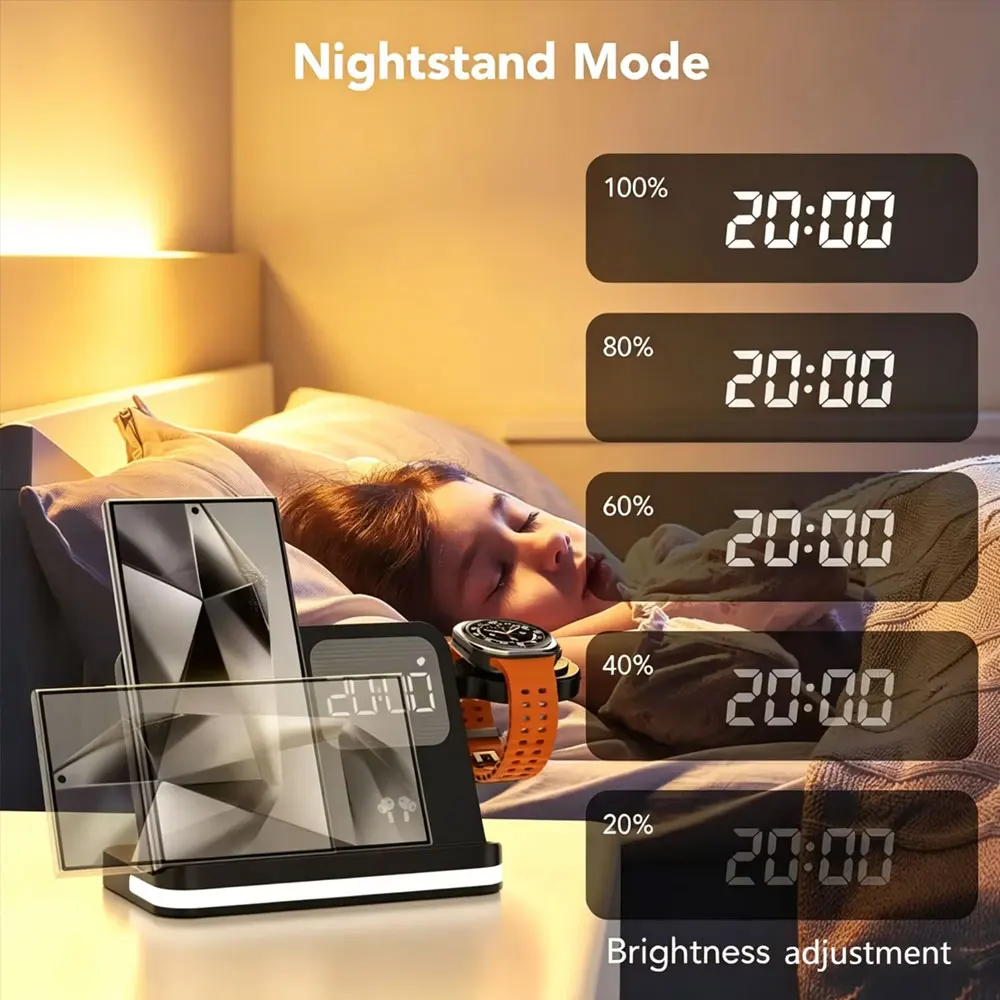
In Clock Display Mode: Press the "M" button separately to switch between 24-hour and 12-hour clock modes. Press the "+" button separately to adjust the brightness of the clock display. Press the "-" button separately to adjust the volume of the alarm sound. The clock has a time memory function, so there is no need to reset the time after a power outage.